Ministry leader guide
Rostering with confidence
Check that everyone on your team is cleared before they serve – in a few seconds, from your phone.
1Sign in
Your church's senior Safe Church admin adds you to the team as a Ministry leader for the ministries you lead. You'll get an email to choose a password. Then sign in at Church team sign in – it works well on your phone, so bookmark it.
2See who's cleared
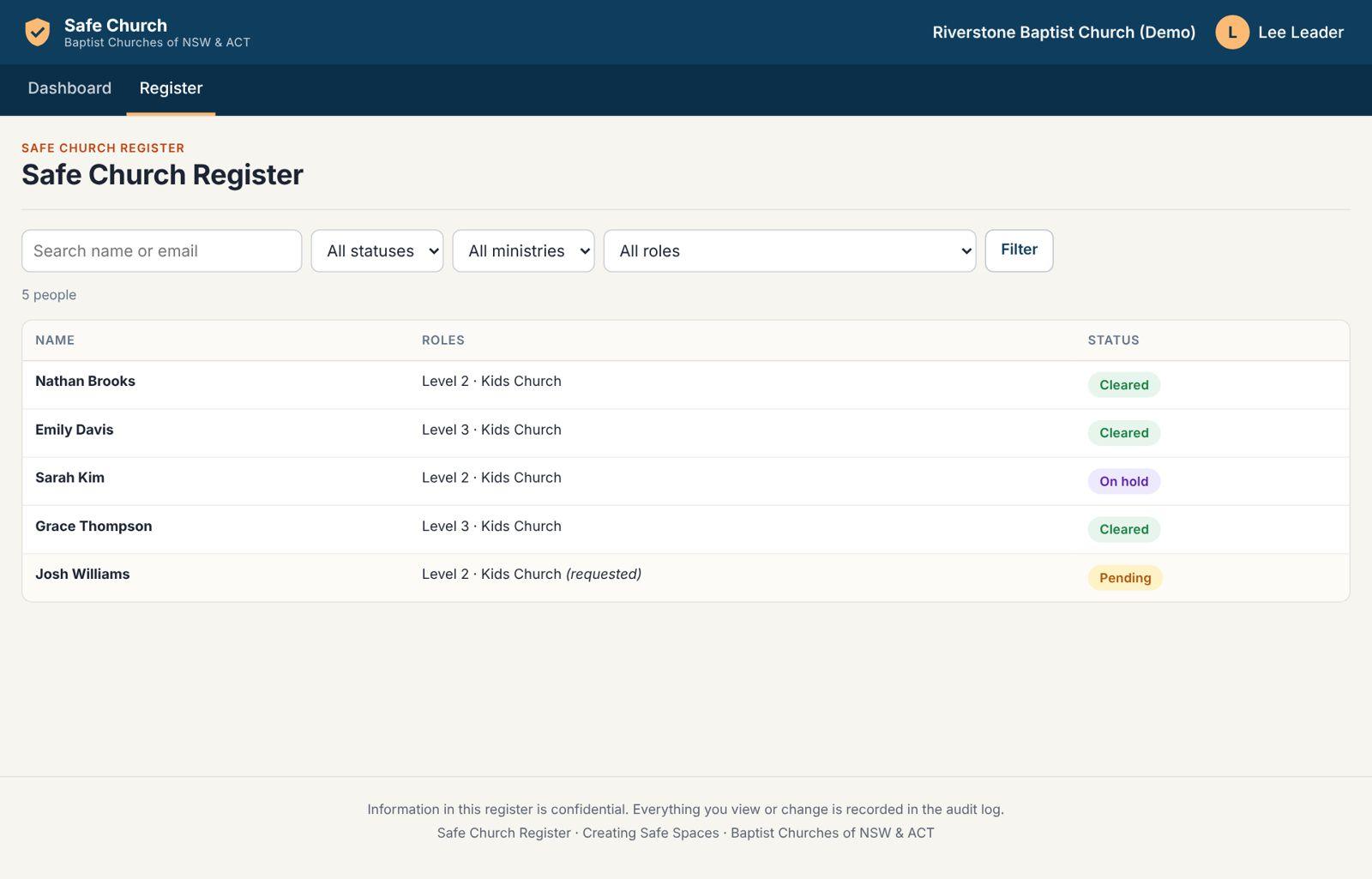
Open Register to see everyone serving in your ministries and their status. You'll only see names, roles and status – that's deliberate.
- Cleared
- Every requirement for their roles is met and in date. OK to roster.
- Pending
- Something is missing or waiting on you to verify it – a WWCC to check, references to call, training to sight.
- Lapsed
- Something that was in place has expired. Don't roster them until it's renewed. They're reminded automatically.
- On hold
- Paused for a person to look at it – a reference concern, a screening questionnaire answer, a WWCC result, or a manual hold. Only senior admins can release it.
3Before you roster
Only roster people who show as Cleared. If someone shows as Pending, Lapsed or On hold, don't roster them in a role with children or young people until your Safe Church Team says they're clear.
4Why you don't see the detail
Volunteers trust us with personal information – dates of birth, check numbers, what referees said. Ministry leaders only need to know whether someone is cleared, so that's all you see. If you need to know more, talk to your Safe Church Team.